Metal Accelerated
Built on libghostty for blazing-fast, GPU-accelerated terminal rendering. Buttery smooth scrolling and instant response.

The terminal, reimagined for Apple platforms
A powerful, Metal-accelerated terminal emulator with integrated SSH, mosh-compatible roaming, Kubernetes support, and cloud provider connectivity. Beautiful, fast, and secure across iPhone, iPad, Vision Pro, and Mac.
Completely free. No limits on connections or tabs. No in-app purchases.
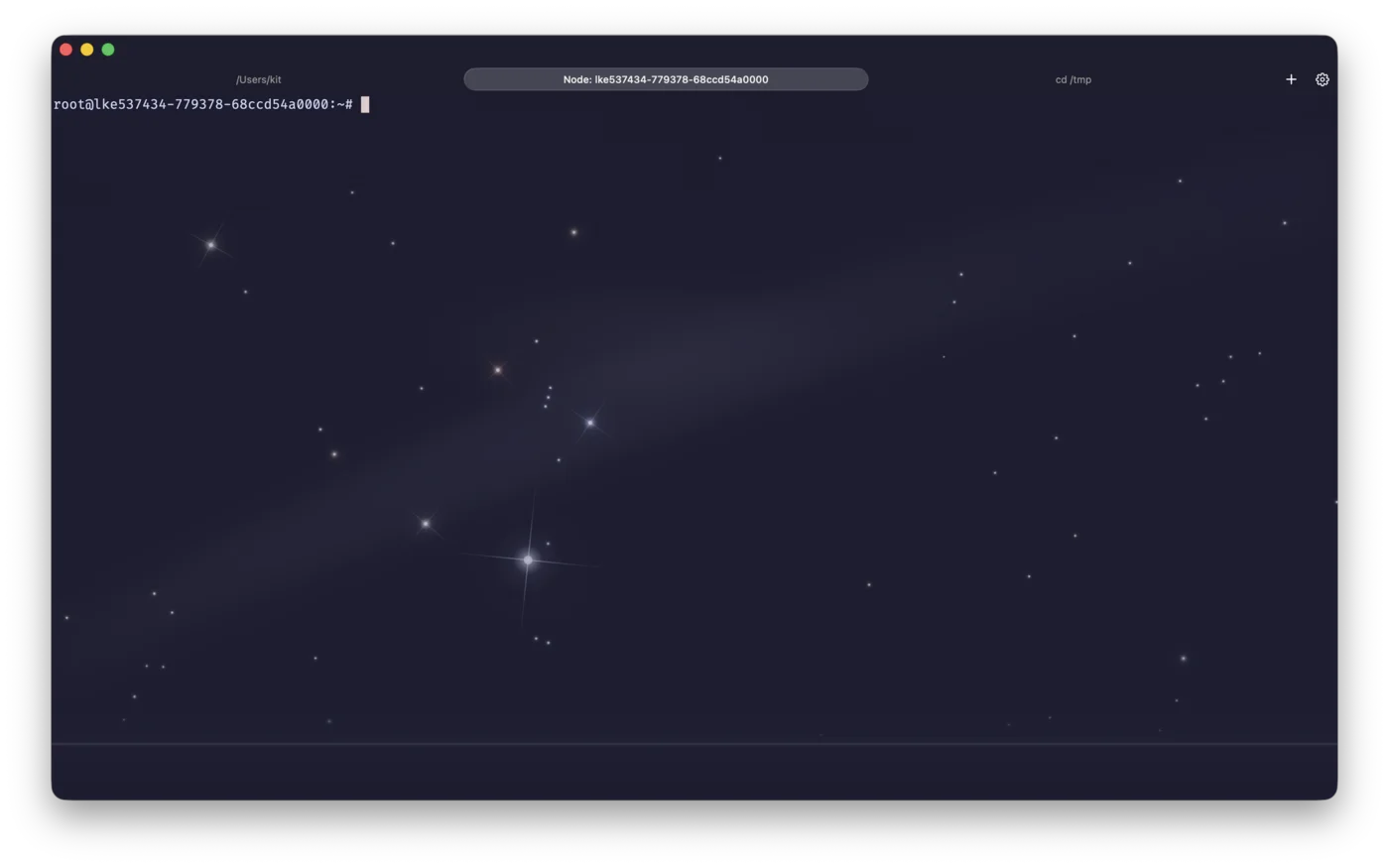
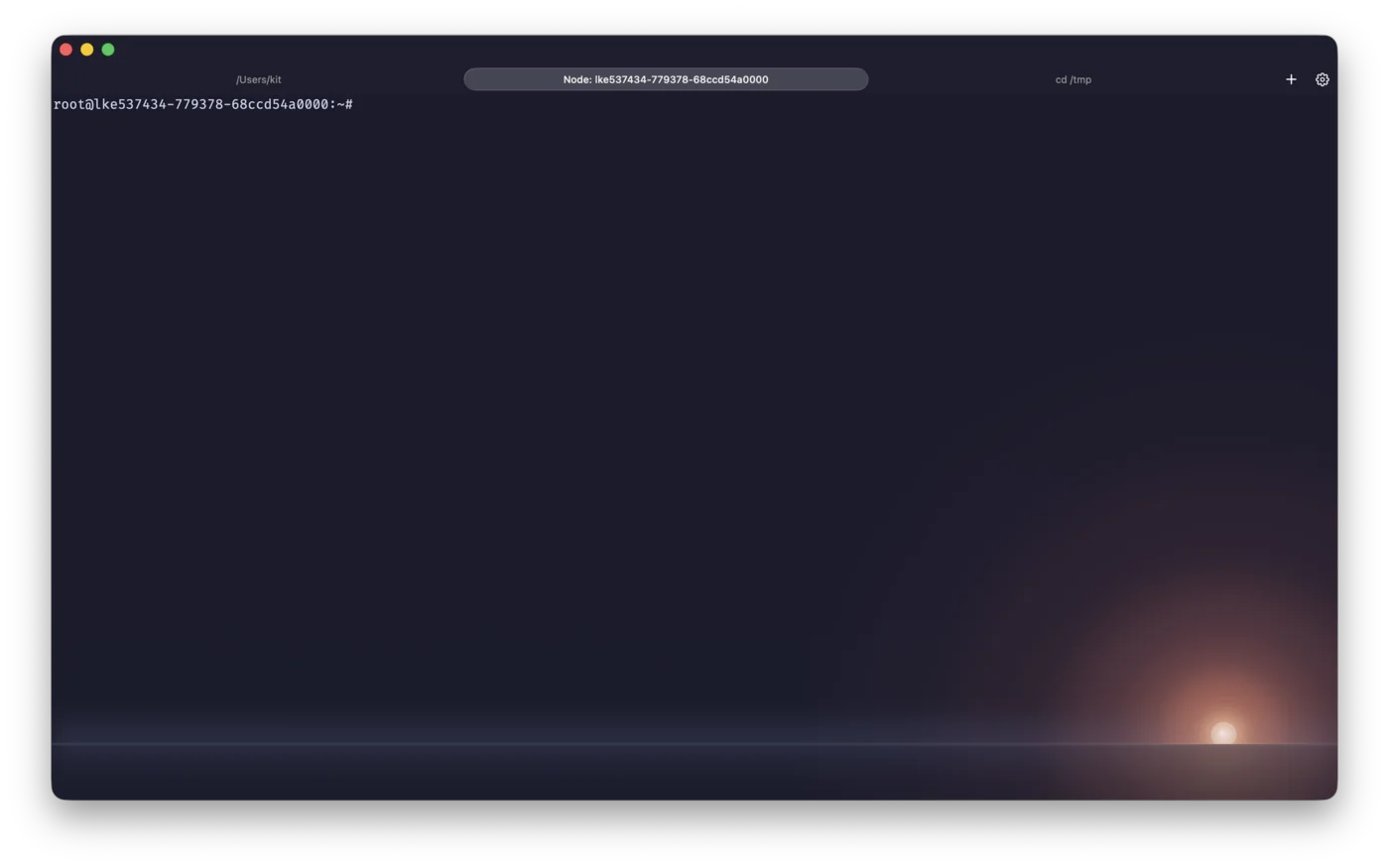
Featuring stunning animated backgrounds including the signature solar effect, rootshell transforms terminal work into a visual experience.
Everything you need for professional terminal work, crafted with attention to detail.
Built on libghostty for blazing-fast, GPU-accelerated terminal rendering. Buttery smooth scrolling and instant response.
Chat with Claude, ChatGPT, or Gemini directly in your terminal. Execute commands, search the web, and get help with streaming markdown responses.
Mosh-compatible sessions with STUN-based firewall traversal. Roam between WiFi and cellular without dropping, resume instantly after app restarts, and enjoy predictive local echo on high-latency connections.
SSH authentication with YubiKey PIV, FIDO2, or Secure Enclave. Private keys never leave the hardware. Supports Lightning, NFC, and USB-C.
Integrated SSH with a client library written entirely in Swift. Port forwarding, key generation, and password storage with no external dependencies.
Discover and connect to devices on your tailnet with OAuth authentication. Zero-trust networking with no manual configuration required.
Turn any SSH server into a full system VPN. Supports KCP and QUIC transport modes via tssh for faster, more reliable connections over lossy networks.
Debug pod injection into clusters via quick connection menu. Jump into any pod instantly for troubleshooting.
Maintain always-on port forwards without a terminal window. Auto-start on app launch with connection monitoring and transfer statistics.
Let external AI tools like Claude Code and Codex CLI execute commands through rootshell. Secure approval flow for each connected tool.
Real-time latency and packet loss monitoring with time series charts. Health indicators in the tab bar let you spot connection issues at a glance.
SSH keys, connection profiles, history, and known hosts sync automatically across all your Apple devices via iCloud.
Full local shell on iOS and macOS with built-in SFTP, SCP, vim, and curl. True terminal power on all your Apple devices.
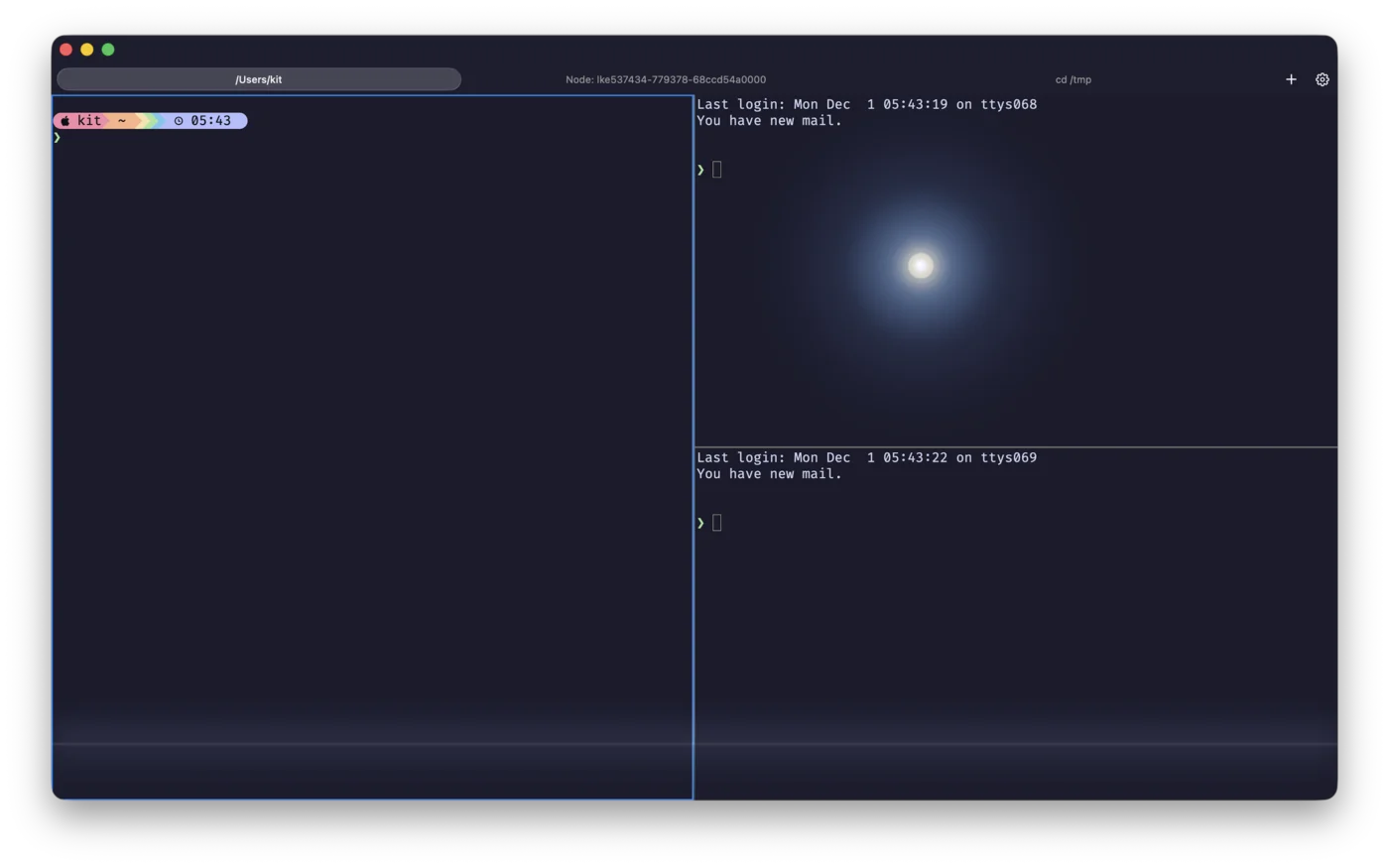
Open as many tabs and connections as you need. Create resizable split windows within each tab for ultimate multitasking flexibility. No limits, no paywalls.
Your windows, tabs, splits, and connections restore automatically on launch. Pick up exactly where you left off.
Save frequently used connections with custom names, tags, and folders. Sync across all your devices via iCloud.
Video backgrounds, animated cursor effects, and Shadertoy-compatible shaders. From subtle to stunning, customize your terminal aesthetic.
Choose from over 450 color themes with automatic day/night switching. Multiple Nerd Fonts included for perfect powerline rendering.
rootshell is a universal app built natively for each platform, optimized for the unique capabilities of every device.
Full terminal power in your pocket. Perfect for quick server checks on the go.
Split view multitasking, keyboard support, and Stage Manager ready for serious work.
Immersive terminal experience in spatial computing. Multiple windows in infinite space.
Native macOS app with transparency, menu bar integration, and all the power you expect.
rootshell is completely free with no in-app purchases or subscription fees. Every feature, unlimited connections, unlimited tabs, all included. Currently in beta, join TestFlight to get early access and help shape the future of terminal emulation on Apple platforms.
Version 1.0.2-40 — March 3, 2026 — Release Notes
The macOS direct download includes Sparkle auto-update support. Updates are delivered automatically once installed.
Due to App Store sandboxing requirements, the TestFlight/App Store version has some limitations compared to the direct download:
For the best macOS experience, use the direct download version above.